
Trade on MT4 with Libertex
Trusted by millions of traders worldwide for its simplicity, powerful tools, and automated trading capabilities.

$1 Start

Trusted Broker

Multi-Asset Trading
Install MetaTrader 4
Download and install MetaTrader 4 in just a few simple steps to start trading.

1. Access

2. Install

3. Log In

4. Trade
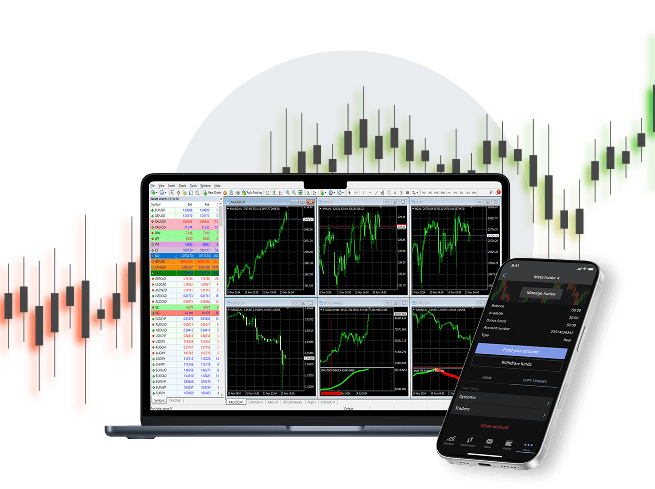
Why Is MT4 So Popular?
Trusted by millions of traders worldwide for its simplicity, powerful tools, and automated trading capabilities.

User-Friendly

Advanced Charting

Expert Advisors (EAs)

Unmatched Security
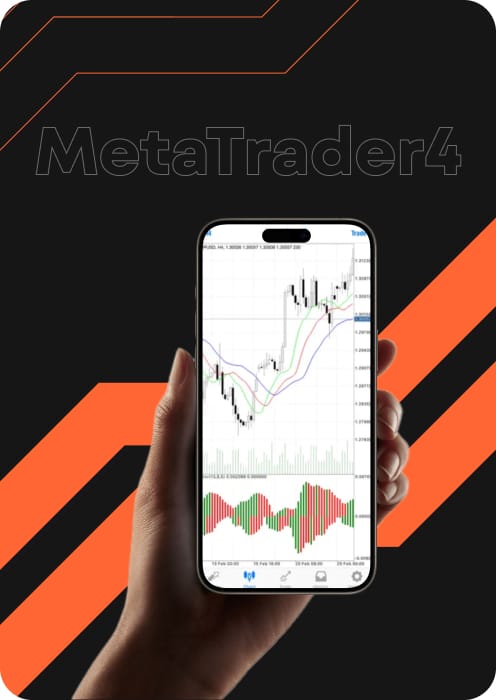

Download MetaTrader 4
MT4 is considered the world's most popular professional trading platform.

Desktop terminal
Full-featured MT4 terminal for Desktop.

Mobile app
MT4 for mobile and tablet devices.

Web platform
Open the full terminal in any browser.

Download Libertex Wallet for MetaTrader
Manage, fund and track all your MetaTrader accounts from one secure wallet.
Frequently Asked Questions (FAQ)
What is MetaTrader 4?
MetaTrader 4 is the industry-standard electronic trading platform designed for forex and CFD markets. It is the most popular choice for traders globally because it combines professional-grade technical analysis tools with an interface simple enough for beginners. By choosing the MT4 download, you gain access to advanced charting, dozens of built-in indicators, and a massive community of support.
Is MT4 free to download?
Yes, the MT4 free download is available to all Libertex clients at no cost. There are no hidden fees for the platform itself, whether you download MT4 for desktop, use the mobile app, or trade via your web browser.
Does MT4 work on a Mac?
Absolutely. Libertex provides a specific MetaTrader 4 download for macOS. If you prefer not to install the software on your MacBook, you can also use our web platform MT4, which runs natively in any browser on your Mac without installation.
Can I use Expert Advisors (trading bots) on MT4?
Yes, MT4 is world-renowned for its support of automated trading through Expert Advisors (EAs). By utilising MT4, you can run thousands of pre-built bots from the MQL4 marketplace or develop your own specialised strategies using the built-in MetaEditor.
What is the difference between MT4 and MT5?
MT4 is a time-tested industry favourite specifically optimised for forex trading, featuring a familiar and reliable interface. MT5 is the next-generation evolution of the platform, offering a modernised user interface and 64-bit multi-threaded architecture for significantly faster processing. While both platforms offer access to the same extensive list of instruments at Libertex, MT5 provides internal technical upgrades, such as an integrated economic calendar and more timeframes for professional analysis.
Is MT4 safe and secure?
Yes, MT4 uses 128-bit encryption to protect data transmitted between your terminal and our servers. Beyond the software, trading with Libertex means partnering with a multi-regulated group with over 28 years of experience and 40+ international awards.
How can I create a MetaTrader 4 real account?
First, sign up on the Libertex website. Once verified, you can make your first deposit and select "MT4" as your active platform to begin trading live markets.
How can I download MT4 on my laptop?
Click the "Windows" or "macOS" button in the Download section above to trigger the setup file. Once downloaded, run the installer to complete your MT4 setup.
How can I install MT4 on Mac?
Download our dedicated DMG file for macOS. Open the file and drag the MT4 icon into your "Applications" folder to install the platform seamlessly on your MacBook.